 EN
EN


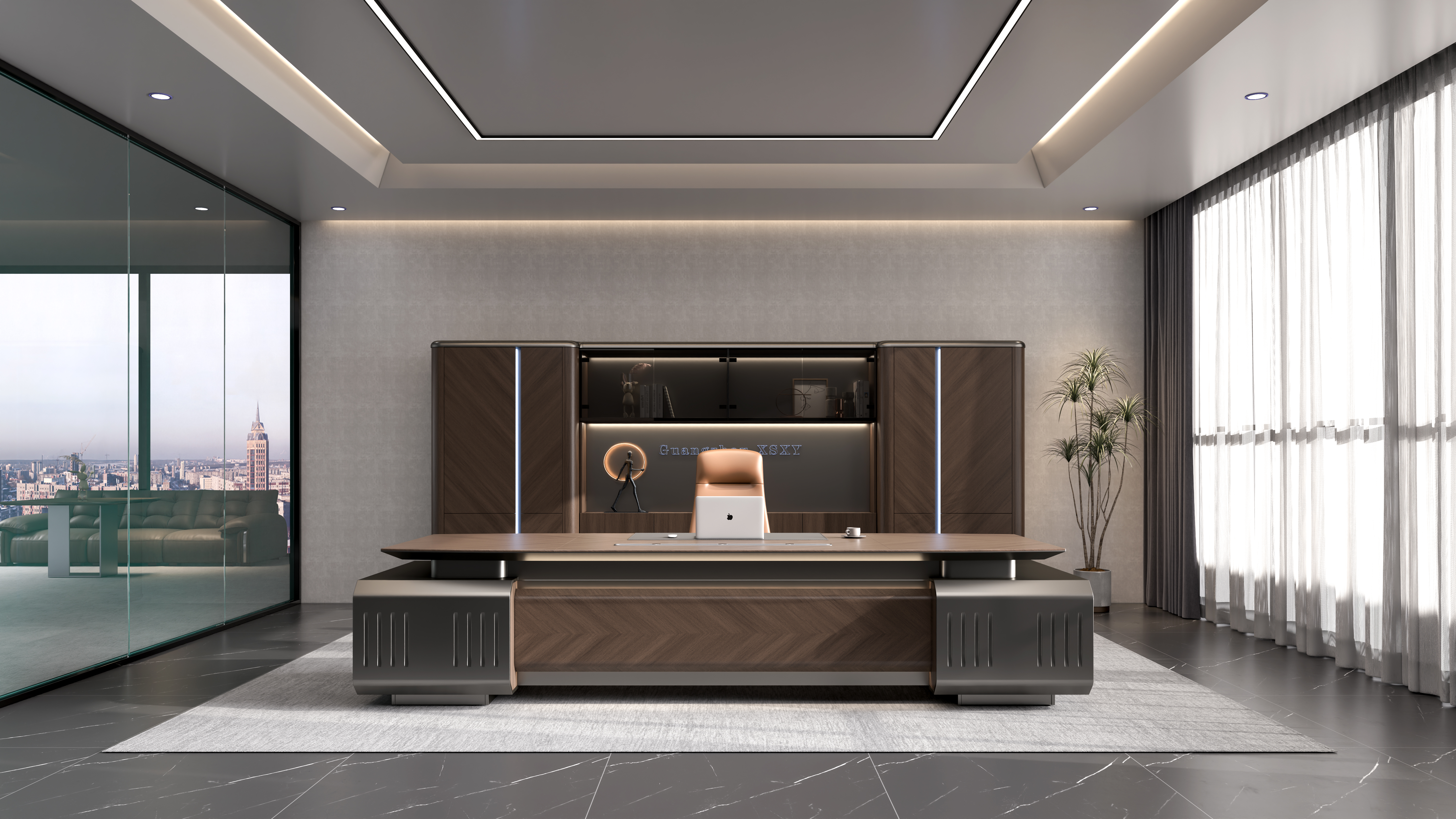
Strategic Executive Desk Placement for Cognitive Efficiency
How spatial positioning impacts focus, decision fatigue, and task continuity
How an executive places their desk can actually affect how well they think and work. First off, putting the desk at a right angle to busy spots around the office cuts down on distractions quite a bit. Studies show this setup can reduce visual interruptions by almost half, which means people stay focused longer when working on important tasks because there's less going on at the edges of their vision. Getting good natural light is another big factor. When executives face windows or other light sources, their body clocks stay in better sync. This matters a lot since top managers often need to make over thirty decisions each day, and poor lighting can lead to tired judgment calls later in the day. Lastly, keeping important stuff like reference books and phones within easy reach makes all the difference. Research indicates that if these items are kept within what someone can see without turning their head too much, workers save about eighteen extra minutes every day that would otherwise be wasted looking for things. That time adds up and lets them concentrate on bigger picture issues instead of getting bogged down with small details.
Applying the 20-8-2 rule and sightline-optimized orientation for executive workflows
Try out the 20-8-2 setup for better workspace efficiency. Put main computer screens about 20 inches away from eyes (this helps prevent strain), keep secondary work areas within eight steps reach, and make sure team collaboration spots are visible within two seconds of looking around. Research shows that when important stuff stays within normal vision range, people actually stay focused 31% longer during work sessions. Speaking of workspace layout, tilt desks between 15 to 30 degrees away from entrances. This creates a nice middle ground between seeing what's happening and maintaining some personal space. Studies indicate this simple adjustment cuts down interruptions by nearly a third. Another trick worth trying is something called zonal sequencing. Basically, put all the concentration demanding work where it sits front and center in the field of view, then move meeting materials and shared resources to the sides so switching between different types of work feels smoother overall.
Ergonomic Optimization of the Executive Desk for Sustained Performance
Addressing cumulative micro-stress through height-adjustable executive desk configurations
When someone stays in one position for too long while working, they accumulate tiny stresses throughout their body that slowly eat away at their ability to think clearly and get things done. Executive desks that can adjust height help fight this problem by letting workers switch effortlessly between sitting and standing. These desks actually cut down on spinal pressure by around half according to some studies. Getting the desk right means keeping elbows bent about 90 degrees and making sure computer screens sit level with the eyes, which takes a lot of tension off the neck and shoulders. Good quality desks come with preset memory settings and smooth electric adjustments, something busy executives really need when jumping from meeting to meeting all day. What makes these desks special is how they change from just being pieces of furniture into tools that actively support health. Companies save money too since research shows poor posture costs businesses roughly seven hundred forty thousand dollars per year in lost productivity due to back and muscle problems.
Balancing sit-stand adoption with realistic compliance: Evidence-based posture cycling protocols
About three out of four companies have invested in sit stand workstations, but barely a third actually get people using them regularly without setting up specific rules. Research shows that when workers follow a pattern of sitting for 25 minutes then standing for 15, they stick with it almost 50% better than those who just do whatever feels right at the moment. This kind of routine works because it matches how our minds naturally focus over time and keeps blood flowing properly to the brain areas that need it most. To make this work in practice, many offices now use digital reminders synced to calendars and place small balance boards underneath desks so employees can shift their weight subtly while on their feet. Starting slow is important too most successful programs begin with just half an hour standing each day and build up gradually. What we're seeing now isn't just about buying better office furniture anymore. It's really about understanding human behavior and creating habits that last, not chasing after unrealistic goals about how much movement everyone should be getting.
Technology Integration and Cable Management on the Executive Desk
Reducing workflow interruptions by eliminating cable clutter on the executive desk
Messy cables everywhere are more than just an eyesore they actually mess with our ability to concentrate properly. A recent study found that almost two thirds of business leaders deal with work disruptions every single day because of cable problems ranging from loose connections to difficulty finding the right plug. All this mess adds up mentally too. People spend around twenty two whole minutes each day hunting down connectors or wrestling with tangled cords. That's nearly half an hour lost productivity just dealing with wires when we could be doing actual work. Good cable management isn't just about looking neat it really helps keep people focused throughout their workday by eliminating those little annoyances that constantly pull attention away from tasks at hand.
Zoned routing (power, data, peripherals) using modular grommets and under-desk trays
Implement a tiered containment system:
- Power cables: Route through reinforced grommets near outlets with slack management coils
- Data/AV lines: Separate into shielded sleeves to prevent signal interference
- Peripheral wires: Guide vertically via under-desk trays with magnetic clips
This zoned approach reduces reconnection errors by 73% compared to ad-hoc solutions. Modular components allow reconfiguration as technology evolves, while maintaining immediate access to ports. The result is a visually clean workspace that preserves task continuity during critical decision-making.
Future-Proofing Your Executive Desk Through Modular Scalability
Why 62% of executives outgrow desk functionality within 18 months—and how to prevent it
Workflows change so fast these days that around two thirds of executives find themselves outgrowing their desks within just over a year and a half. The problem comes down to those old school desk designs that simply don't keep up with what people need anymore. They can't handle all the new tech gadgets or support teamwork when needed. That's where modular desk solutions come into play. These systems let workers tweak their workspace whenever necessary. Someone might want to attach extra monitor arms to have more screen space for spreadsheet work, while another person could benefit from adding sit stand features as posture becomes more important over time.
Leveraging docking-compatible accessories and vertical organizational systems
Vertical organization transforms wasted airspace into functional storage through:
- Docking-compatible peripherals: Single-connection hubs for laptops/tablets that eliminate cable redundancy
- Stackable modular units: Tiered shelving that scales with document or display requirements
- Magnetic cable channels: Concealed pathways under work surfaces that adapt to power/data needs
This approach reduces workstation reorganization costs by 40% while maintaining executive desk functionality through departmental shifts or tech upgrades.
FAQ
Why is the placement of an executive desk important?
Desk placement can significantly affect cognitive efficiency by reducing distractions, aligning with natural light to maintain circadian rhythms, and allowing easy access to essential items.
What is the 20-8-2 rule mentioned in the article?
The 20-8-2 rule refers to keeping computer screens 20 inches away, secondary work areas within eight steps, and collaboration spots visible within two seconds of looking around to enhance focus and workflow efficiency.
How can height-adjustable desks help executives?
Height-adjustable desks allow for changing posture between sitting and standing, reducing spinal pressure and enhancing ergonomic comfort to prevent cumulative micro-stress in the body.
Why is cable management critical on an executive desk?
Efficient cable management eliminates clutter, helping to reduce disruptions and improve focus by ensuring a neat and organized workspace.
What are modular desk solutions?
Modular desk solutions allow flexibility and scalability in workspace design, accommodating new technologies and changes in workflow or organizational needs.